Corporate Event Staging Checklist Singapore
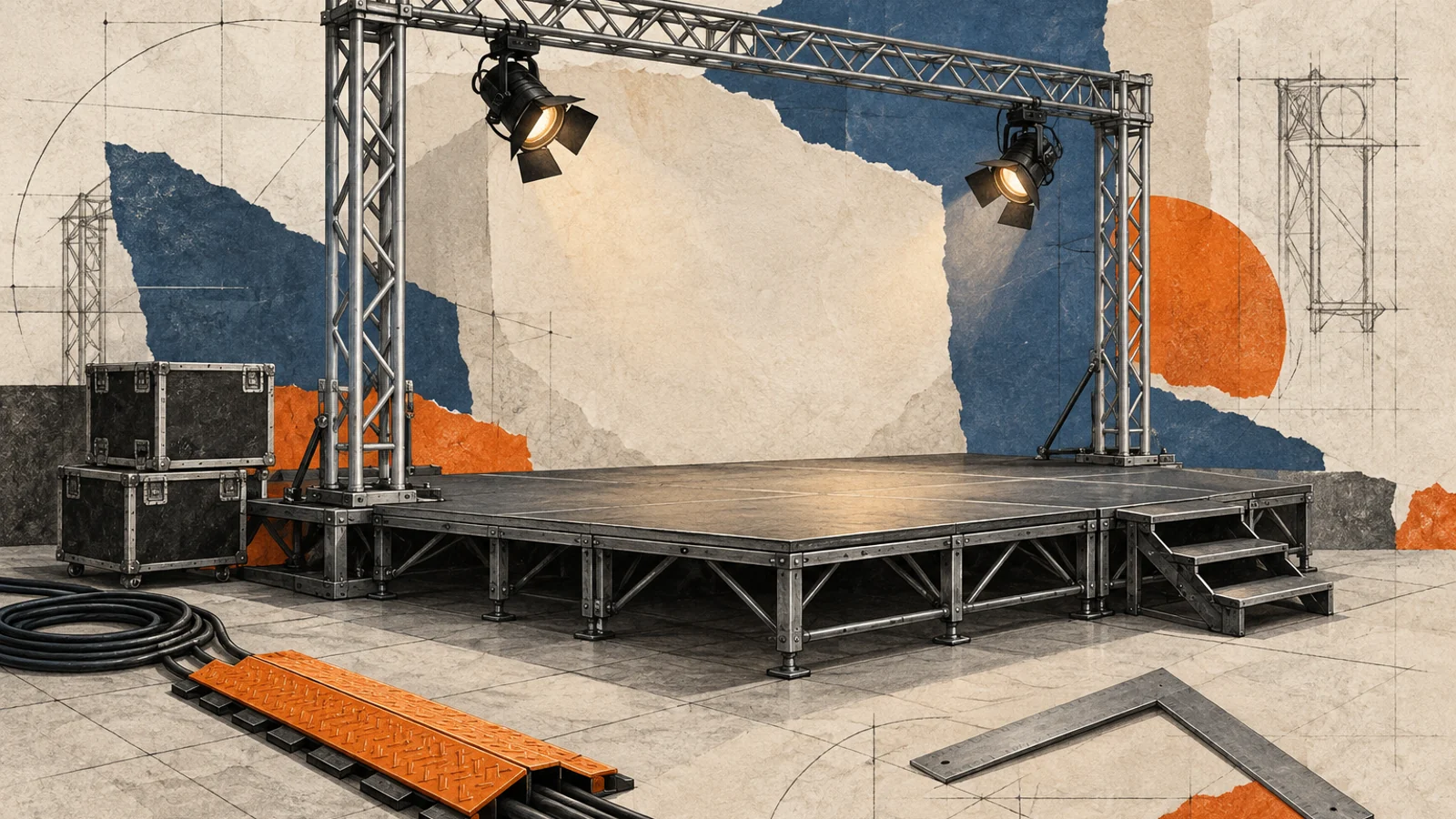
Once the format, venue, and rough show flow are already known, the next risk is usually not planning in the abstract. It is staging. A corporate event can have a good venue and a workable agenda and still feel chaotic if the lectern blocks the screen, speakers enter from the wrong side, backstage holding is unclear, or the AV team receives incomplete handoff notes.
This guide gives Singapore teams a practical corporate event staging checklist for stage layout, screen positions, lectern placement, backstage ownership, cue order, and AV handoffs. It sits between the broader corporate event planning guide Singapore and the final corporate event run sheet template Singapore. The planning guide helps you shape the event. The run sheet controls the minute-by-minute show. This page is for the stage-specific layer in between.
If the event host still needs a speaking document, keep that separate and use our corporate event emcee brief template Singapore. A staging checklist should not try to become the emcee script. Its job is to make sure the physical and technical environment supports the speaker flow you have already approved.
If lighting is part of the same stage brief, break that scope out early instead of leaving it inside a vague AV line. Our event lighting rental checklist Singapore helps teams confirm audience focus, power, rigging, cue ownership, console coverage, rehearsal windows, and fallback planning before they approve the lighting quote.
What a corporate event staging checklist actually controls
Staging decisions affect more than aesthetics. They determine whether the audience can see both the speaker and the content, whether presenters can move naturally, whether microphones and playback cues line up, and whether the backstage team can hand over each segment without confusion.
- Stage layout: the shape of the stage, furniture footprint, and how much presenter movement the format needs
- Screen visibility: whether both slides and speakers remain readable from the full room
- Lectern logic: whether the lectern helps the event or becomes an obstacle for names, sightlines, and walk-ons
- Backstage ownership: who holds the next speaker, who escorts them, and who confirms they are ready
- Cue order: who calls music, slides, video playback, mic changes, and stage clears
- AV handoffs: how files, playback notes, and contingency versions move from organiser to operator
If these items are vague, the event usually compensates with last-minute improvisation. That is expensive in Singapore venues because setup windows, overtime, and technical resets tend to be tight.
1. Lock the stage format before you lock the visuals
The first staging decision is not backdrop colour or LED size. It is how the stage needs to function. A keynote, a panel, an award segment, and a product reveal all need different movement patterns and visibility rules. Start by deciding how the audience will watch the stage, not how the stage will look in photos.
If that product reveal depends on a button pedestal, curtain drop, hydraulic rise, or another timed reveal effect, pair the stage plan with our launch mechanism rental checklist Singapore so trigger type, cue ownership, reset logic, and venue approvals are locked before rehearsal.
If the same presenter flow is happening inside a trade-show booth rather than on a ballroom stage, pair the layout check with our trade show equipment rental checklist Singapore so booth AV, power ordering, counters, display fixtures, install windows, and venue-versus-vendor responsibilities are locked before move-in.
- Choose whether the room needs a standard end-stage, a wider conference platform, a centre-stage awards format, or a split presentation zone.
- Check whether the event includes one static lectern speaker, roaming presenters, panels, award walk-ons, or entertainment acts.
- Confirm if the same stage must support both speeches and dinner service sightlines.
- Mark the no-go zones early: low ceiling truss points, camera positions, venue columns, service doors, and emergency egress paths.
- Decide whether the front of stage needs stairs on one side or both, especially if VIPs or award winners are walking up.
If the venue still needs an infrastructure check before you commit to the final layout, use our corporate event venue requirements checklist Singapore to verify power, rigging, loading, sightlines, holding rooms, and venue restrictions before the stage plan is frozen.
2. Place screens, lectern, and presenter sightlines as one system
Many corporate events create friction by treating the screen, lectern, and presenter path as separate decisions. They are one system. A speaker should be able to present without blocking the main visual, turning constantly to see a slide, or walking out of the light just to address the room properly.
| Stage element | What to check | Common failure |
|---|---|---|
| Main screen or LED wall | Readable from the back rows and not hidden by décor or furniture | Screen placed too low or too far to one side |
| Side screens | Support guests seated off-axis from the main stage view | Audience must choose between watching speaker and content |
| Lectern | Placed where names, faces, and slides still read cleanly | Lectern blocks the most important visual or camera angle |
| Confidence monitor or prompt | Visible to the speaker without forcing body rotation | Presenter keeps turning away from the audience |
| Presenter standing zone | Inside lighting and microphone coverage | Speaker drifts into dim spots or dead audio zones |
If a lectern is optional, decide that explicitly. Some events genuinely need one for formal remarks or heavy scripts. Others look cleaner and more controlled with a handheld or lapel mic and a marked presenter position. Do not let the lectern default into the plan just because the venue has one available.
- Check where the speaker will naturally look when reading slides, notes, and the audience.
- Make sure side screens do not compete with branding towers or sponsor panels.
- Confirm whether the emcee and leadership speakers use the same mic position or different ones.
- Walk the sightline from the furthest table edges, not just the front centre.
- For panel formats, test whether chairs and small tables block lower-third screen content or camera framing.
3. Map backstage holding, speaker entry paths, and ownership
Backstage confusion is one of the fastest ways to make a polished corporate event look unprepared. The next speaker is late to standby, a presenter walks in from the wrong side, the wrong microphone arrives at the lectern, or a VIP is left waiting because nobody owns the handoff. These failures usually come from unclear ownership, not poor intent.
- Name one owner for speaker holding. That person confirms the next speaker is physically ready before the current segment ends.
- Choose a clear backstage holding area with access to water, printed order, and final microphone checks.
- Mark the exact walk-on and walk-off path for each speaker type: emcee, leadership, award recipient, panelist, or performer.
- Confirm who carries clickers, handheld mics, lapels, awards, or gifts into position before the cue lands.
- Decide who clears the stage after each segment so furniture and props do not accumulate.
The staging checklist should also state what stays backstage and what travels onto stage: spare microphone batteries, clicker backup, printed names, award envelopes, cue cards, water placement, and laser pointers. If the emcee needs tone, pronunciation, or sponsor language, keep that in the corporate event emcee brief template Singapore. The staging checklist should only hold the movement and ownership logic around that speaking document.
4. Define cue order and calling authority before rehearsal
A good stage plan still fails if nobody knows who actually calls the cues. Music, walk-ons, slide changes, video starts, lighting looks, and mic swaps must have a caller and an operator. If the AV team thinks the emcee will trigger playback, while the emcee thinks the stage manager will do it, the audience sees the gap immediately.
| Cue type | Who usually calls it | Who usually executes it |
|---|---|---|
| Walk-on music start and fade | Show caller or stage manager | Audio operator |
| Opening slide to live speaker | Show caller | Playback or screen operator |
| Lectern mic to handheld mic swap | Stage manager | Audio technician or backstage runner |
| Video playback | Show caller after stage clear | Playback operator |
| Panel seating or award reset | Stage manager | Backstage or floor crew |
This is the point where the staging checklist hands over into the final corporate event run sheet template Singapore. The staging checklist defines the physical logic and cue ownership. The run sheet then places those calls on the event timeline with exact times, buffers, and cut-down decisions.
5. Prepare the AV handoff pack before files reach the operator
AV problems are often blamed on equipment when the real issue is the handoff. Files arrive late, versions are unclear, videos have no playback notes, and nobody says whether the slide operator or the speaker controls the deck. A strong staging checklist forces this handoff to become explicit before rehearsal.
- Issue one final folder for slides, videos, logos, holding slides, and backup versions.
- Use file names that reflect order, not just speaker names.
- State whether each file is operator-run, speaker-clicker-run, or auto-played.
- Mark any content that needs audio from the PA, embedded video, or a specific aspect ratio.
- List the exact transition notes: fade to black, walk-up sting, panel reset, lights down, or sponsor loop.
- Keep one fallback version of all keynote content in PDF or backup video form if the native deck fails.
If the event also needs formal contingency mapping for stage, guest, weather, and supplier issues, use our corporate event risk assessment template Singapore. Risk assessment and staging should support each other. One names the failure points. The other names the physical and technical controls that keep the show moving.
6. Run one physical staging walk-through 24 to 48 hours before the event
The final staging pass should happen in the real room, with the people who own the handoffs. This is not a generic meeting. It is a working walk-through of speaker movement, sightlines, screen readability, backstage holding, and operator notes before doors open.
- Stand at the back row and both far corners to confirm screen readability and speaker visibility.
- Walk every presenter from holding area to standby to stage to exit path.
- Test whether the lectern, panel chairs, or props block camera or audience sightlines.
- Confirm that backstage runners know which microphone, clicker, and notes belong to which segment.
- Open each playback file on the actual operator device and test audio output.
- Check where delayed segments can compress without breaking meal service, awards, or closing remarks.
If the event is still at the broader planning stage, return to our corporate event planning guide Singapore for budgets, formats, and overall supplier scope. If the venue and programme are already confirmed, this staging pass should happen before the final rehearsal window disappears.
Corporate event staging checklist Singapore teams can copy
- Stage format matches event type and audience sightlines
- Main screen, side screens, and lectern work as one layout
- Presenter standing zones stay inside lighting and microphone coverage
- Backstage holding area is assigned and owned
- Speaker walk-on and walk-off paths are mapped
- Mic plan is confirmed for emcee, leadership, panel, and awards
- Cue caller and operator are named for playback, music, and reset moments
- AV handoff folder is final, labelled, and tested
- Fallback files and backup devices are ready
- Physical walk-through is completed 24 to 48 hours before show day
What to do after the staging checklist is complete
Once the stage layout, screen logic, backstage ownership, and AV handoffs are stable, move the approved decisions into the final show document. That is when the corporate event run sheet template Singapore takes over. It converts the staging decisions into a timed operating file for the venue, AV crew, organiser, and emcee.
If your event is not yet ready for that level of control, step back to the broader planning sequence instead of forcing the staging file to solve everything. Staging works best when the format, venue, and speaker flow are already decided, but the physical setup still needs to be made reliable.
About the author
Felix Sim
Co-Founder, Get Out! Events
Felix Sim is the Co-Founder of Get Out! Events, a Singapore events agency that plans corporate team building, family days, gala dinners, conferences, and brand activations. He writes practical buyer guides based on hands-on event planning experience in Singapore. Learn more about Get Out! Events.