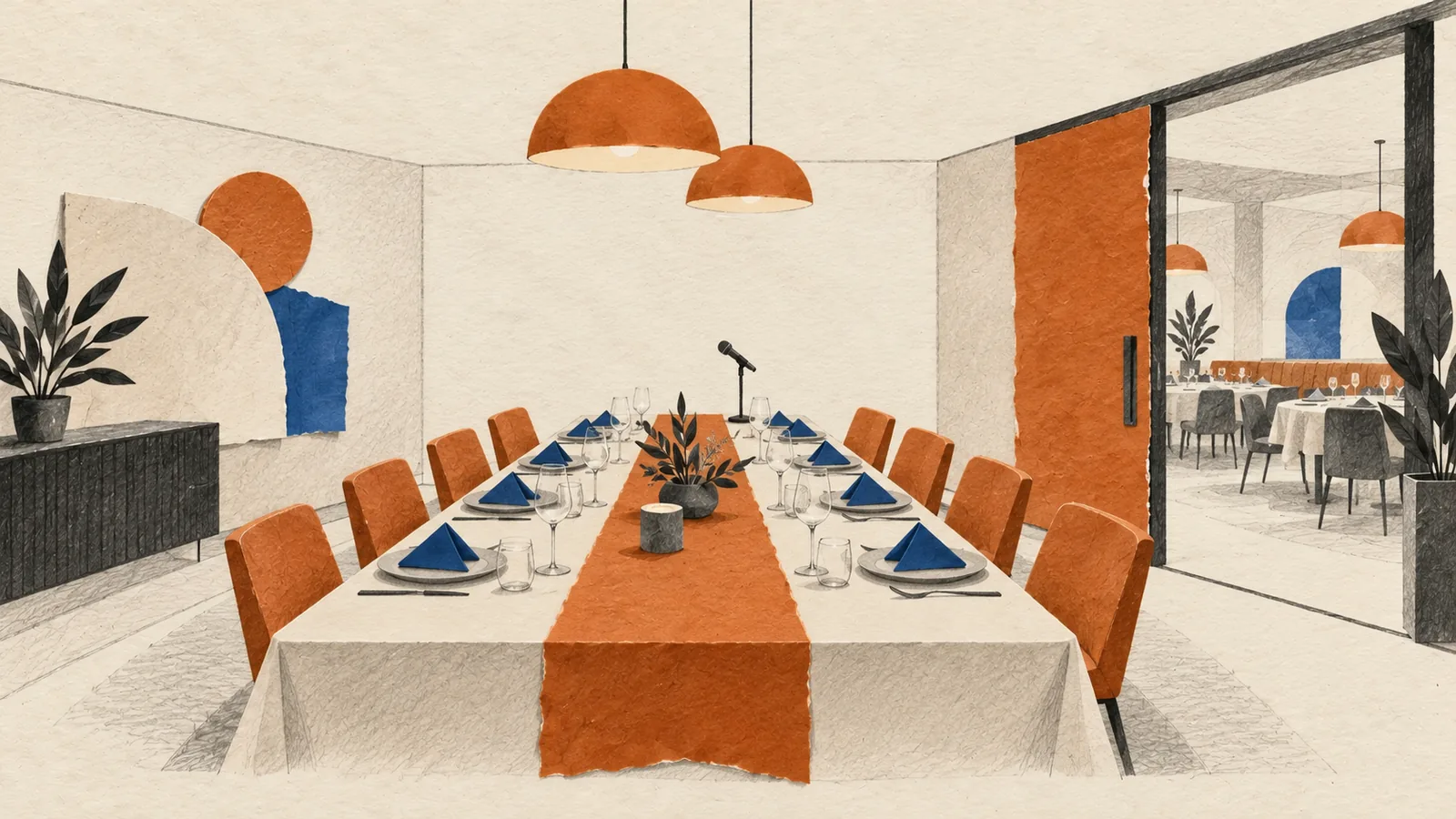
Event Site Visit Checklist Singapore
If your team has already narrowed the venue shortlist to one or two options, this is the checklist to bring on the actual walkthrough. The goal is not to admire the ballroom. It is to pressure-test whether the venue can support loading, power, rigging, guest flow, holding rooms, and AV sightlines before you sign the contract or pay the deposit.
This page covers the on-site verification step. If you still need to compare venues at shortlist stage, start with our corporate event venues guide first, then use the corporate event venue requirements checklist Singapore to pressure-test each shortlisted space. If the venue passes the walkthrough and you are moving into the wider timeline, use our corporate event planning checklist Singapore for the full execution sequence.
1. Prepare the site visit before you arrive
A rushed walkthrough produces vague notes and false confidence. Go in with your production assumptions already written down so the venue team can answer against something specific.
- Bring the latest floor plan, programme outline, and expected headcount
- List your non-negotiables: stage size, screen positions, registration footprint, holding room count, and any breakout needs
- Confirm who is attending the walkthrough: venue sales, operations, AV, your organiser, and any production lead
- Bring a phone charger, measuring tape, and a note-taking format your internal team will actually reuse
- Ask the venue in advance for access to the loading bay, goods lift, back-of-house route, and technical plant areas if relevant
2. Trace the real guest journey, not just the ballroom
Many venue problems only show up when you walk the full route from arrival to seating. Start outside the event room and move through the space as a guest would.
- Drop-off point, coach access, ride-hailing congestion, and sheltered arrival options
- Distance from lobby to registration and whether queues will spill into public circulation
- Wayfinding opportunities for signage, welcome screens, and ushers
- Toilet proximity, accessibility routes, and any pinch points near lifts or escalators
- Foyer capacity for networking, sponsors, lucky draw displays, or photo moments
- Conflict risk with other events sharing the same arrival zone or breakout corridor
3. Walk the loading path with the production mindset
A venue can look perfect from the front and still be painful from the back. Do not treat loading as an admin detail. It affects labour, setup time, and overtime risk.
- Loading bay height limits, booking windows, security clearance, and vehicle holding rules
- Distance from unloading point to ballroom, including ramps, turns, and door widths
- Goods lift dimensions, weight limits, and access priority if multiple vendors arrive together
- Staging restrictions for flight cases, decor builds, registration kits, and sponsor materials
- Setup and teardown timing versus the actual complexity of your build
- Any union, venue technician, or houseman requirement that changes crew planning or cost
4. Verify power, rigging, and technical infrastructure on site
This is where walkthroughs prevent expensive assumptions. Ask to see the exact power points and technical positions rather than accepting a verbal “can”.
- Power source locations for registration, stage, LED wall, booths, and catering support
- Single-phase versus three-phase availability and whether additional distribution is needed
- Ceiling height, rigging points, load limits, and any restriction on banners, truss, or flown elements
- Built-in projection throw, screen size, and whether chandeliers, pillars, or low beams block the setup
- House lighting control, blackout capability, and ambient light issues during daytime sessions
- Internet reliability, dedicated line options, and mobile signal strength in the actual event rooms
5. Check sightlines, acoustics, and AV blind spots from multiple positions
Stand where the audience, speakers, and camera operators will stand. One central vantage point is not enough.
- Can guests at the side, rear, and pillar-adjacent seats see the main screen and stage clearly?
- Will confidence monitors or return screens be needed so speakers do not turn away from the audience?
- Are there reflective walls, low ceilings, or open foyers that could create echo or noise bleed?
- Where would camera operators, livestream kits, or interpreters position themselves without blocking guests?
- Does the room allow clean cable runs without obvious trip hazards across public paths?
- Are there back-of-room obstructions that reduce the usable footprint for tech control?
6. Inspect holding rooms, backstage flow, and speaker operations
Corporate events break down when VIPs, emcees, or presenters have nowhere to wait, change, or prep. Check the support rooms with the same seriousness as the main hall.
- Dedicated holding rooms for VIPs, speakers, emcee, performers, or award recipients
- Travel time from holding room to stage entry and whether staff can escort speakers discreetly
- Availability of mirrors, power, water, chairs, and secure storage for personal items
- Backstage crossover routes that avoid sending speakers through guest queues
- Green-room Wi-Fi, presentation review capability, and last-minute print or stationery support
- Restrictions on rehearsals, sound checks, or early access for keynote preparation
7. Confirm commercial terms while the physical constraints are visible
The best time to clarify penalties and inclusions is while you are standing in the exact space they affect. Tie commercial terms to what you just verified on site.
- Overtime charges tied to actual setup and teardown realities
- External vendor policy for AV, fabrication, florals, entertainment, and livestream crews
- Damage deposit, reinstatement rules, and what counts as chargeable wall or floor protection
- Furniture, staging, lectern, registration tables, and housekeeping support included in writing
- Noise limits, curfew, pyrotechnic restrictions, and any permit responsibilities
- What the venue will confirm by updated floor plan, technical sheet, or contract appendix after the visit
8. Decide whether the venue is ready to confirm
Before you sign, force the team to answer these questions clearly:
- Did the walkthrough validate the event flow, or did it expose crowding, loading, or backstage issues?
- Can the room support your AV plan without last-minute rentals or compromises that change the budget?
- Are the holding rooms, access windows, and production routes workable for your programme?
- Do the venue team’s answers match what you physically saw on site?
- Is every unresolved item assigned to a named owner with a date for written confirmation?
Post-visit follow-up template
Right after the walkthrough, send one email that captures the open points while everyone still remembers the room:
- Requested updated floor plan with usable dimensions
- Power and rigging confirmation by location
- Loading bay booking process and move-in window confirmation
- Holding room allocation and access timing
- AV or sightline clarifications that affect screen, stage, or control position
- Revised quote or contract wording if the visit changed scope
If the venue clears this checklist, move straight into the broader milestone plan with our corporate event planning checklist Singapore. If the walkthrough exposes blockers, go back to the venue requirements checklist and reopen the shortlist before the contract locks your team in.
What to measure on the venue site visit
Verbal answers are useful, but numbers settle decisions. Bring a measuring tape (a laser measure is faster for ceilings) and record each figure against the location on your floor plan so your production team can work from it later.
- Goods lift car: width, depth, clear height inside, and the diagonal from corner to corner. The diagonal tells you the longest rigid item that can tilt in.
- Lift door opening: measure it separately. The door is often narrower and lower than the car behind it, and the door is what decides whether a set piece fits.
- Every door on the load-in route: width and height, including double doors with one leaf fixed, plus any tight turns in back-of-house corridors.
- Ceiling height at the stage end: measure under chandeliers, bulkheads, and beams, not only at the highest point of the room.
- Usable floor area: wall to wall minus pillars, fixed bars, emergency exit clearances, and any area the venue reserves for service.
- Distance from loading bay to the event room: a long push with a ramp or level change adds crew time on both load-in and teardown.
Questions to ask the venue before you leave
Ask to meet the operations or banquet manager who will actually be on duty on your event day, not only the sales contact. Then work through these while you are still in the room:
- What time is the room handed over to us, and what time must it be cleared? This is different from the event start and end time.
- What is the hard stop for music and amplified sound, and what is charged per hour after it?
- What else is booked in the adjoining rooms, foyer, and loading bay on our date and the night before?
- Is the wall to the next room a permanent wall or a movable partition?
- Which rigging points are certified, what can each one hold, and must we use the venue’s own rigger or electrician?
- How many power circuits reach the stage end, and who is allowed to connect to them?
- Can our vendors use the loading bay at the same time, or must each slot be booked separately?
- Where can empty flight cases and crates be stored during the event?
- Who signs off our floor plan and technical requirements, and by when?
Sound bleed, curfew, and neighbouring events
Stand quietly in the room for a minute and listen. Air handling hum, kitchen noise, and traffic or construction outside are easy to miss during a busy walkthrough. If the room is divided from the next one by a movable partition, assume low frequencies will pass through in both directions. A band or DJ next door can disrupt your keynote, and your own playlist can trigger a complaint from the event beside you.
For outdoor or rooftop spaces, and for venues near residential blocks, ask for the noise limit and curfew in writing. Check whether the curfew applies to the end of amplified sound or to the end of all activity, including teardown, since that affects how late your crew can work.
Accessibility checks to make in person
An accessibility symbol on the venue’s website is not the same as a route that works on the day. Walk it yourself.
- Step-free route from drop-off point to registration, the event room, and the stage
- Ramp or lift access to the stage itself if a speaker or award recipient uses a wheelchair
- Accessible toilets on the same level as the event, and whether they are kept unlocked
- Lift capacity and waiting time when a full room leaves at the same moment
- Seating areas with clear sightlines that do not block an aisle or exit
- Lighting and signage clear enough for guests with low vision to find their way
F&B tasting and service flow
If catering is in-house, schedule the menu tasting on the same day as the site visit or soon after, so food and layout are judged together. At the tasting, check portion size, temperature on arrival, and whether dietary options (halal, vegetarian, and allergy needs) are prepared properly rather than as an afterthought.
Then look at how service will move. Find out where the kitchen or pantry door is relative to the stage, how many service staff will be on the floor, and how long a course takes to serve a full room. If service doors sit near the stage, agree with the venue when plates can be cleared so waiters are not crossing during speeches or the main performance.
Photo checklist to take on the site visit
Photos with a measuring tape visible in the frame will answer questions weeks later when nobody remembers the room clearly. Before you leave, capture:
- Loading bay entrance, height limit sign, and vehicle holding area
- Goods lift interior, door opening, and the capacity plate
- Each door and corner on the load-in route
- The ceiling above the planned stage area, including rigging points and chandeliers
- Distribution boards and power points nearest the stage, registration, and control position
- The view from the furthest seat and from seats beside pillars
- Service doors, fire exits, and any fixed features that cannot be moved
- Foyer and registration area at the time of day your guests will arrive
- Holding rooms, toilets, and the route from holding room to stage
Save them into one shared folder named by area so your organiser, AV team, and decor vendor are all working from the same reference.
Red flags that should pause the booking
Some findings can be solved with budget or planning. Others are a sign to reopen the shortlist. Treat these as warning signs:
- The venue cannot say who will be the operations contact on your event day
- Loading slots, setup time, or curfew are described verbally but never confirmed in writing
- Rigging load limits or power capacity are unknown, or answered with “should be fine”
- A larger or louder event is booked next door with only a partition between you
- The usable floor area is noticeably smaller than the floor plan suggests
- External vendor rules or surcharges only appear when you ask directly
- The access route requires your guests or crew to share a lift or corridor with the public at peak times
If two or more of these appear, ask the venue to address them in writing before you pay a deposit. If you want a second pair of eyes, talk to the Get Out! team before your walkthrough and we can help you plan what to measure and ask for your event format.
FAQ: Event Site Visit Checklist Singapore
When should a corporate team do the venue site visit?
Do the walkthrough after the shortlist is narrow enough to justify a detailed inspection, but before the contract and deposit are final. That is when technical, logistical, and commercial findings can still change the decision.
Who should attend the site visit?
At minimum, include the venue representative, your organiser or internal event lead, and the person responsible for production or AV decisions. Bring additional stakeholders only if they directly affect layout, branding, catering, or approvals.
What matters most during the walkthrough?
Focus on the issues that are hard to fix later: loading access, power, rigging, sightlines, holding rooms, registration flow, and any written restrictions that could add cost or force a redesign.
What should I bring to a venue site visit?
Bring the latest floor plan, your programme outline and headcount, a measuring tape or laser measure, a torch for back-of-house areas, and a phone with enough battery for photos. Having your stage size, screen positions, and vendor list written down lets the venue answer against something specific.
What should I photograph during a venue site visit?
Photograph the loading bay, goods lift interior and door opening, the capacity plate, every door on the load-in route, the ceiling above the stage, the nearest power points and distribution boards, the view from the furthest seat, and the service doors. Keep a measuring tape in frame where possible.
How do I check for sound bleed at an event venue?
Ask what is booked in the adjoining rooms on your date and whether the dividing wall is permanent or a movable partition. Stand quietly in the room to listen for air handling or kitchen noise, and get the noise limit and curfew confirmed in writing, especially for outdoor or rooftop spaces.