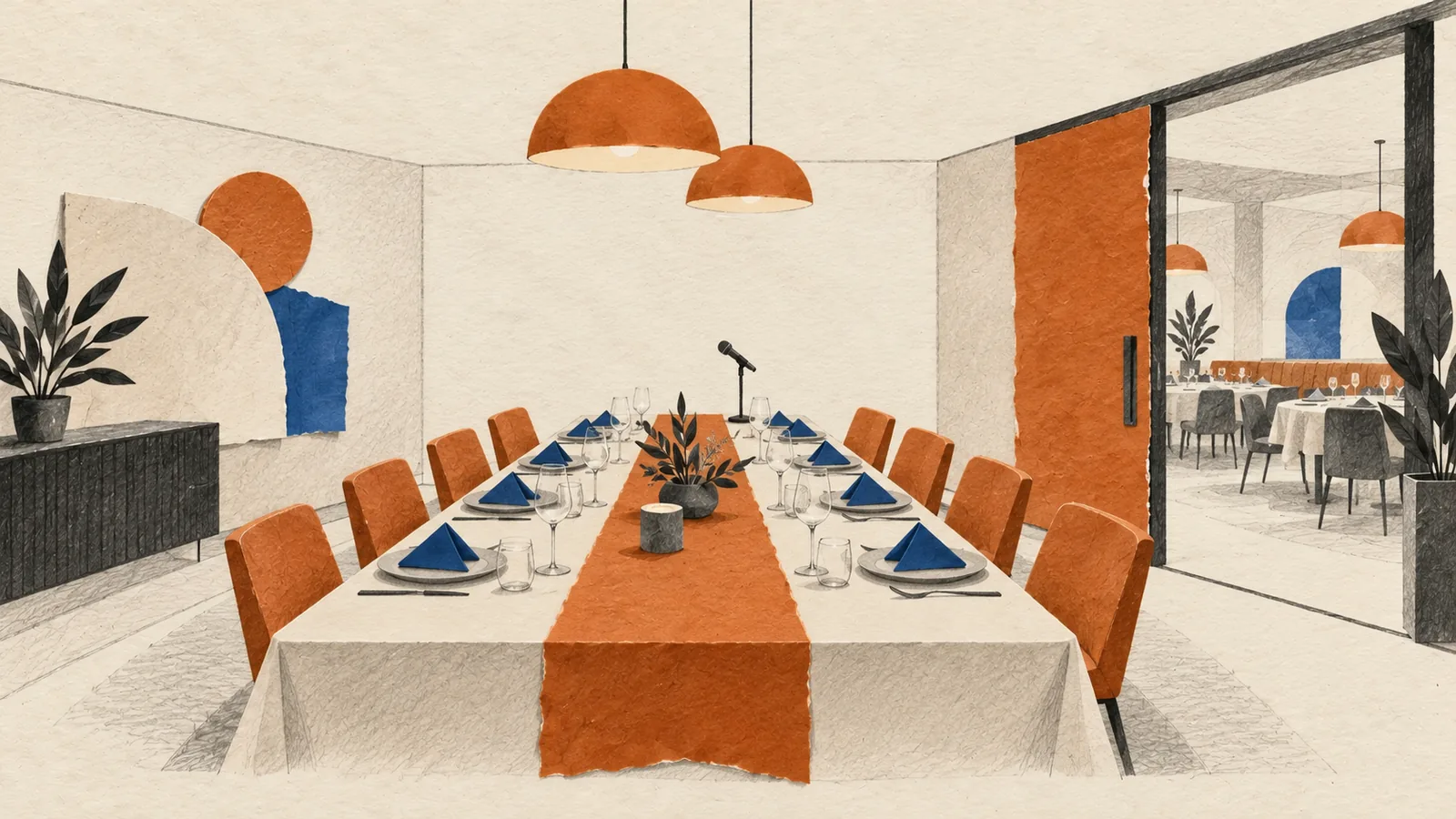
Virtual Event Studio Singapore
TL;DR: If you are booking a virtual event studio in Singapore, do not evaluate the room on appearance alone. Check the broadcast environment, camera plan, lighting, audio path, crew workflow, internet redundancy, recording setup, and fallback process before you commit.
A polished backdrop does not guarantee a smooth show. The real value of a studio is whether it gives your speakers, audience, and production team a controlled environment that reduces risk on event day.
This guide is for HR teams, marketing teams, internal communications leads, and event committees comparing studio-based setups for webinars, town halls, launches, conferences, and hybrid broadcasts. If you already know you need end-to-end support, see our virtual and hybrid events Singapore service for planning, streaming, rehearsal, and show calling.
1. Start with the format, not the studio tour
A virtual event studio should fit the event format you are trying to produce. A setup that works for a single-speaker webcast may be the wrong choice for a leadership town hall, panel discussion, product launch, AGM, or hybrid event with both in-room and remote audiences.
- How many presenters, moderators, and camera positions will be active at the same time?
- Do you need a seated discussion, standing presentation area, demo zone, or interview-style set?
- Will the event include remote speakers, audience Q&A, videos, slides, or sponsor segments?
- Is the event fully virtual, or does the studio need to support a hybrid audience layer as well?
If the broader event format is still being debated, our corporate event management in Singapore guide helps teams compare virtual, hybrid, and in-person delivery models before production is locked.
2. Inspect the broadcast environment, not just the decor
The room itself affects how professional the final stream feels. Look past styling and ask whether the environment was actually designed for broadcast work.
- Is the room quiet enough for clean speech capture without echo or traffic bleed?
- Are lighting positions fixed and repeatable, or will the crew be improvising on show day?
- Does the set support LED walls, green screen, printed branding, or presentation monitors in a practical way?
- Can speakers move naturally without walking out of light or camera framing?
This is where many hybrid event studio options in Singapore start to separate. A corporate ballroom adapted for streaming can work, but a true broadcast-controlled space is usually easier to cue, light, and monitor.
3. Confirm the camera and screen workflow
Ask how the studio handles camera switching, slide confidence, video roll-ins, and presenter eyelines. Speakers should know where to look, what they are seeing, and when content is changing.
- How many camera angles are included, and what is the backup if one feed fails?
- Can presenters see slides, timers, remote guests, or confidence prompts without breaking eyeline?
- Will the team manage lower thirds, holding slides, walk-in loops, and pre-recorded inserts?
- Is the visual mix designed for live streaming, recording, or both?
4. Check audio, monitoring, and speaker confidence
Many studio problems are audio problems first. A room can look premium on camera and still sound weak if monitoring and microphone planning are unclear.
- What microphones will be used for hosts, panelists, and roaming speakers?
- How will remote speakers, video playback, and in-room foldback be balanced?
- Can the crew isolate feedback risks before the rehearsal starts?
- Who is actively monitoring programme audio during the show?
For high-stakes internal broadcasts, audio confidence matters more than set dressing. Executives will forgive a simple backdrop faster than they will forgive unclear sound.
5. Review crew positions and live show ownership
A virtual event studio is only as good as the people running it. You need clear ownership for show calling, technical direction, speaker handling, and contingency decisions.
- Who is the show caller during rehearsal and live broadcast?
- Who cues presenters, manages timing, and handles late content changes?
- Is there a dedicated operator for streaming, graphics, and platform output?
- Who decides what happens if a speaker joins late or a segment overruns?
If those roles are vague during the sales conversation, expect stress during the live event.
6. Validate connectivity and fallback planning
The studio should have a clear answer for primary internet, backup internet, stream redundancy, recording backup, and remote guest recovery. Do not accept a general promise that the team will “figure it out on the day”.
- What is the primary uplink and what is the tested backup path?
- Is the programme recorded locally even if the stream fails?
- What happens if a remote presenter drops minutes before going live?
- Can the team switch to holding content, backup slides, or a reserve segment immediately?
If you are still choosing the software layer around the studio, use our virtual event platform checklist Singapore to compare registration flow, backstage control, moderation, reporting, and support coverage separately from the physical studio brief.
If the studio is only one part of a larger venue-plus-stream setup, our hybrid event production checklist Singapore helps teams review show-calling, AV flow, speaker handling, moderation, and fallback planning before they book.
7. Ask how rehearsal time is structured
Studios often look strongest in the demo and weakest in the rehearsal window. Ask how much time is allocated for cueing, presenter comfort, slide review, audio balancing, and transitions between segments.
- Is rehearsal included, and for how many speakers or segments?
- Will the same crew stay through rehearsal and the live event?
- How are script changes, last-minute slides, and sponsor assets handled?
- Can the team run a proper end-to-end show flow before go-live?
8. Questions to ask during the studio visit
- Show us where the cameras, presenter monitors, and producer positions will be.
- What is the backup plan for internet, audio, and stream output?
- How do you manage remote speakers, late cues, and live programme changes?
- What parts of the setup are fixed, and what parts depend on show-day improvisation?
- Can we see a sample run sheet or rehearsal process for a similar event?
- What recording files and replay assets do we receive after the show?
When a studio setup is the right fit
A virtual event studio is usually worth the investment when the event has executive visibility, sponsor obligations, multiple presenters, a hybrid audience, or a strong need for reliable broadcast control. It can also be the cleaner option when your office or venue is visually inconsistent, noisy, or hard to light well.
Quick shortlist summary
Before you book, make sure your preferred studio can confidently support:
- A format that matches your event objective and audience mix
- A broadcast-ready environment with practical lighting and acoustics
- Clear camera, screen, and audio workflows for presenters
- A named crew structure for show calling and technical execution
- Tested backup plans for connectivity, recording, and remote guests
- A rehearsal process that reduces, rather than creates, production risk
If you want a production team to assess the studio brief, livestream workflow, and contingency plan together, explore our virtual events Singapore service.
When a virtual event studio is worth using
A virtual event studio is useful when the event needs to feel more polished than a normal video call. Product launches, leadership broadcasts, media briefings, webinars with external guests and investor-facing sessions often benefit from controlled lighting, cleaner audio, better camera framing and a production team that can manage cues, slides and recordings.
The studio decision should be based on risk and audience expectation. If senior leaders, clients, partners or public viewers are attending, the production value affects trust. If the event is internal and low-stakes, a leaner setup may be enough. The right answer depends on what the audience needs to believe, remember and do after the session.
Get Out! Events helps clients decide whether a studio setup, on-site broadcast corner or simple remote production workflow is the best fit. The goal is not to make every virtual event expensive. The goal is to match the production environment to the message and the stakes.
Planning checks before you brief a vendor
- Content format: Confirm whether the event is a keynote, panel, demo, fireside chat, training session or announcement.
- Presenter comfort: Check whether speakers need teleprompter support, confidence monitors, rehearsal, makeup, cueing or remote guest support.
- Brand requirements: Decide how much set design, lower thirds, intro videos, transitions and branded slides are required.
- Output needs: Confirm if the recording will be reused for marketing, internal comms, onboarding or investor updates.
Related Get Out! Events resources
- Virtual event solutions Singapore
- Hybrid event production checklist Singapore
- Contact Get Out! Events
If you already have a date, venue, headcount or rough budget, contact Get Out! Events and we will turn the brief into a practical proposal with scope, manpower and next decisions clearly stated.