Corporate Event Venue AV Checklist: What to Confirm Before Booking in Singapore
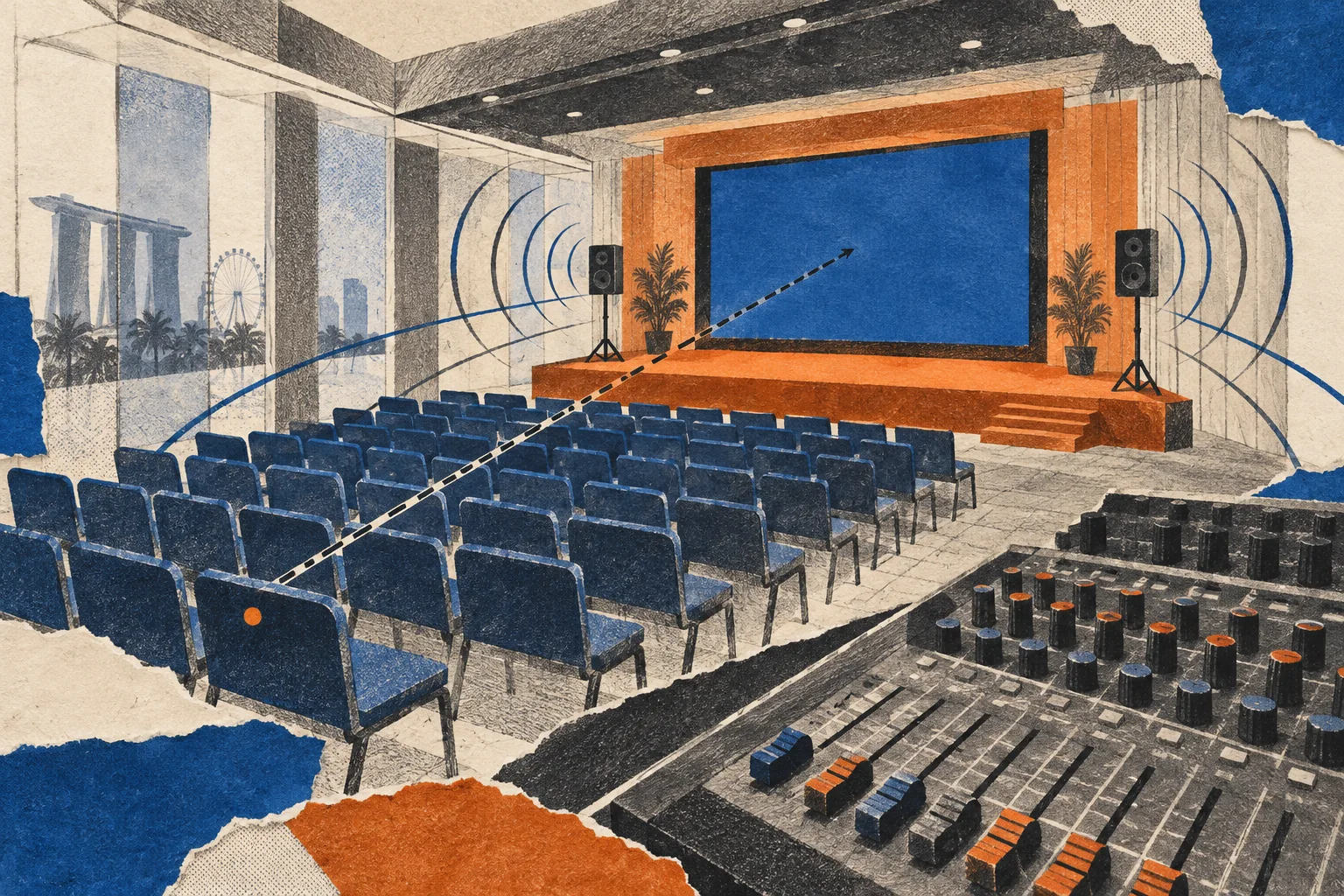
Before you book, get the venue to confirm the display, microphones, sound coverage, power, technician hours and rehearsal access in writing. Then test your actual slides, video and speaking positions in the proposed room layout. “Basic AV included” is not a complete equipment or staffing list.
Use this checklist to turn a venue quote into a clear decision: ready to approve, needs a confirmed fix, or not suitable for the programme.
Send the venue your programme, not just your headcount
Give the venue and AV supplier the same brief:
- Event date, room, expected attendance and proposed seating plan.
- Programme segments: speeches, panel, audience Q&A, awards, performances or remote contributions.
- Content to show: presentation slides, videos, live demonstrations and any confidential material.
- Speaker positions and movement: lectern, seated panel, roaming presenter or audience floor.
- Required access times for delivery, setup, rehearsal, guest arrival and pack-down.
- Any attendee access needs that affect viewing, listening or participation.
Ask for a named technical contact. Request an itemised equipment list, a marked-up room plan and a schedule showing when the crew and room are available. Keep these with the venue proposal so that a change to the seating plan or programme triggers another AV check.
1. Check whether guests can read the screen
Test: Bring a representative slide with the smallest text or most detailed chart you expect to use. View it from the back and sides of the proposed seating area, with the room lighting set for the event. Play a sample video through the intended playback equipment too.
Ask the venue to confirm:
- The display type and usable image size: projector and screen, LED wall or fixed display.
- The equipment model and specification sheet, including the projector’s stated brightness and measurement standard where applicable.
- The supported presentation aspect ratio and resolution, laptop connections and adapters.
- How daylight and room lighting will be controlled during presentations.
- Whether side screens or a presenter monitor are included. A presenter monitor lets a speaker see content without turning towards the main screen.
Do not approve the display on a brightness figure alone. Ask the AV supplier to assess the proposed equipment against the room, lighting, content and viewing positions. If a realistic demonstration is not possible at the visit, record the display as not yet verified and agree how and when it will be tested.
Resolve before booking: Unreadable content, blocked views or an equipment substitution with no agreed test. Ask for a revised layout or display proposal, not just an assurance that it will be fine.
2. Match microphones and sound to the programme
Test: Listen to speech and video audio from the front, rear and side seating positions. Have the technician test the microphone positions and presenter movement you intend to use. Confirm how sound reaches any overflow area that needs the programme feed.
Ask for the number and type of microphones included, plus the plan for each segment. A panel, roaming Q&A and an awards presentation need different microphone handovers. Write down who uses each microphone, who moves it and who keeps a spare ready.
Confirm:
- Whether handheld, lapel, headset or lectern microphones suit the planned use.
- Who operates the sound desk throughout the programme, rather than only setting it up.
- How music, video audio, remote speakers and recording feeds connect to the system.
- Who manages wireless microphone setup, batteries and backup equipment.
- What listening support is available for attendees who need it, and what must be arranged separately.
For remote speakers, rehearse a real two-way conversation: the room must hear the remote speaker, and the remote speaker must hear the people they need to respond to. Have the AV supplier confirm the audio routing rather than treating this as a spare laptop connection.
Resolve before booking: Missing microphones, unclear handovers, an unstaffed sound desk or a remote contribution that has not been scoped.
3. Confirm power, cables and supplier access
Check on the room plan: Mark where the stage, control desk, screens, registration equipment and other powered equipment will sit. Ask the venue’s technical team and AV supplier to confirm the supply and cable routes for that plan.
An outlet count is not a power-capacity approval. Give the technical team the equipment list and ask them to identify any additional distribution, supply or engineering approval needed. Do not ask the organising committee to calculate or improvise an electrical installation.
Confirm who approves cable protection and routes around guest circulation and exits. Include space for equipment cases, spare laptops and batteries so that storage is not left to the last minute.
Ask about:
- Delivery and loading access, lift restrictions and permitted setup times.
- Permission for external AV, staging, lighting or streaming suppliers to connect to the house system.
- Any required house technician, connection charge or additional power charge.
- Rules for rigging, overnight storage and leaving equipment set up between rehearsal and show day.
Resolve before booking: Equipment locations without an approved supply, unconfirmed supplier access or a cable route the venue has not accepted. Leave electrical and rigging decisions to the appropriate technical professionals.
4. Walk the seating plan and the operator’s position
Test: Stand or sit where guests, speakers and operators will actually be. Look for pillars, table decorations, cameras, lecterns and other objects that could block the stage or screens. Check the presenter route and any backstage holding space.
Mark the front-of-house control position—the desk from which the show is operated—on the plan. Ask the crew how they will see cues, monitor the room and communicate with the person calling the programme.
A side-of-room desk is not automatically a reason to reject a venue. It is a reason to ask the AV team to demonstrate a workable monitoring and communication arrangement. Judge the agreed setup, not the position label.
Resolve before booking: Seats with unusable views, an inaccessible presenter route or an operator position with no agreed way to follow the show. Update the seating plan if the technical layout changes the usable capacity.
5. Put rehearsal and staffing in the quote
Ask for separate start and finish times for room access, setup, testing, rehearsal, the live programme and pack-down. Confirm which technicians are present during each period and who covers them during breaks.
Rehearse the difficult transitions, not just the opening slide: a video with sound, a speaker change, panel Q&A, an award cue or a remote contribution. Agree who calls each cue and who acts on it.
Ask the venue and supplier to state:
- Included room-access and technician hours.
- Any minimum call, overtime, after-hours access or pack-down charges, with the basis of charging.
- Who can authorise an extension and when approval is required.
- The fallback for a failed microphone, playback laptop or display, and who makes the change.
For streaming, ask the production supplier to specify the connection, test and fallback requirements for the chosen platform. Do not assume guest Wi-Fi is an agreed production connection.
Resolve before booking: A schedule that leaves no agreed testing window, gaps in crew coverage or additional charges that nobody has priced or accepted.
Copyable venue AV questionnaire
Request access to the venue AV checklist. Open it in a spreadsheet and use a separate copy for each venue. Fill in your event details and send it with the programme and proposed room plan.
Sign in to your Google account to request access. Felix reviews requests before granting access; the checklist is not publicly shared.
Ask the venue to complete the answer, inclusion and evidence columns. Your team should add the action owner, deadline and verification status. Leave unanswered items marked Unconfirmed; use Not applicable only when someone has checked that the requirement does not apply.
Suggested message to send with it:
Please review the attached programme and seating plan, then complete the AV questionnaire for the room quoted. For each item, state what is included, what needs an additional quote and any restrictions. Please attach the equipment list, room plan and access/crew schedule, and identify the technical contact who can join our site visit. We will use the completed answers to confirm technical scope before approving the booking.
Worked example: a town hall with a panel and audience Q&A
Illustrative scenario—not a Get Out! event or a venue specification.
A venue offers a projector, screen and two handheld microphones. The planned programme has a host, a seated panel, a video and audience questions.
The useful question is not “Does the package include AV?” It is “How will this programme run with the equipment and crew quoted?”
- Ask the technician to map microphones to the panel and audience Q&A. Decide whether sharing works for the format or additional microphones are needed.
- Test the detailed slides from the back of the proposed seating area. If they cannot be read, ask for a revised display or layout and test again.
- Play the video through the room system, then rehearse the handover back to the host.
- Confirm who operates the show and whether the quoted access period includes that rehearsal.
The venue may still be suitable. The decision stays open until the revised equipment, staffing, access and any extra cost are confirmed. Nothing in this example sets a universal microphone count or room specification.
Make the booking decision
Ready to approve: The agreed setup meets the programme, the essential checks have passed, and equipment, staffing, access and costs are recorded in the proposal or an attached schedule.
Needs a confirmed fix: The room could work, but a specific issue remains. Record the fix, supplier, cost, approval owner and retest date. Do not describe it internally as fully cleared while the issue is open.
Not suitable for this programme: An essential requirement cannot be met within the available layout, access, staffing or budget. Revisit the venue or change the programme explicitly; do not leave the compromise for the show crew to discover.
Next step: Send the questionnaire to the shortlisted venue’s technical contact and arrange the practical checks with your AV supplier before approving the booking.